Reporting
Analytics & Reports
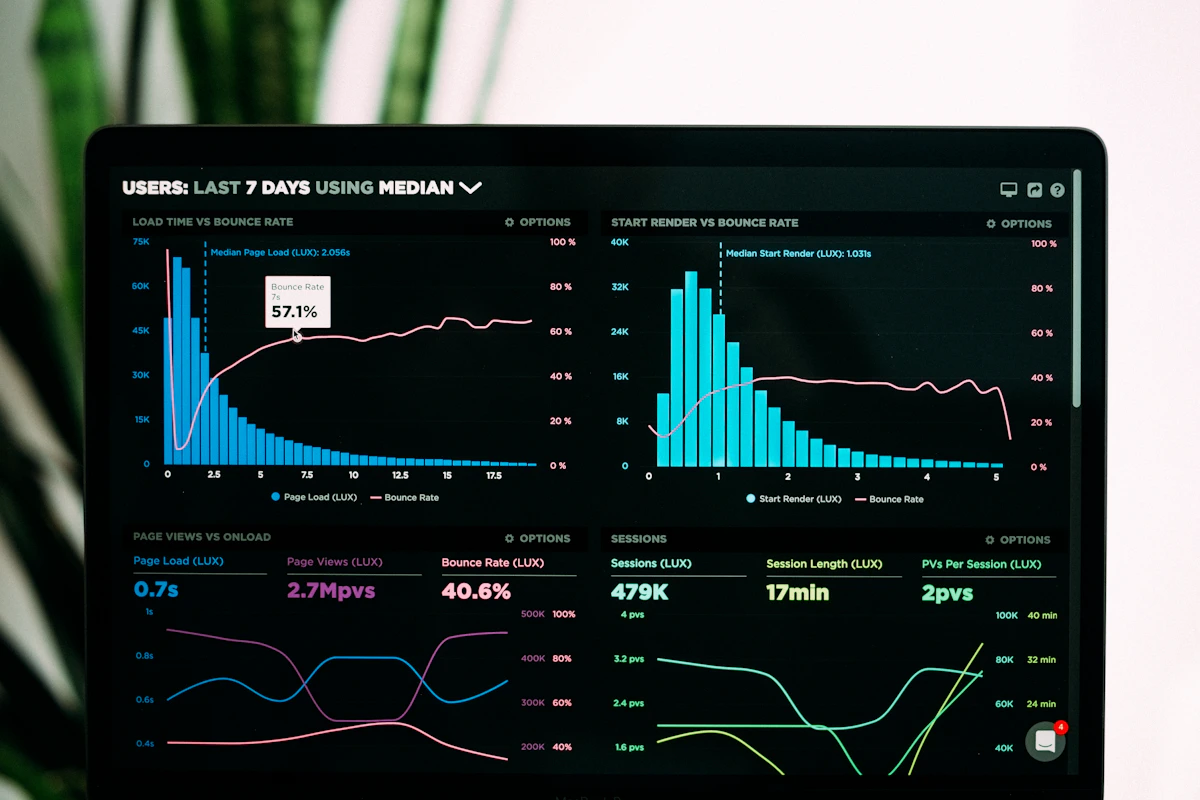
Your wedding produces valuable data who came, who didn't, who changed their RSVP, and when. Paperless turns that into clean, actionable reports so you can understand your guest behaviour, plan better, and settle the books after the event.
No-Show Analytics
After the wedding, your dashboard shows every confirmed guest who didn't actually attend. You see:
- Total no-shows the count of confirmed guests who never checked in
- No-show percentage what portion of RSVPs didn't come
- Guest details name, side, table, confirmed party size
This is invaluable for:
- Settling the venue's final headcount
- Planning future events (if you know your no-show rate is 8%, you can over-invite comfortably)
- Understanding which guest segments are most reliable
CSV Export
Every report can be exported as a CSV (comma-separated values) file the universal format for spreadsheets. One click and you get:
- Full guest list with all fields
- No-show report with names, tables, and party sizes
- Attendance log with arrival times (if QR check-in was used)
CSV opens perfectly in Excel, Google Sheets, Numbers, and any accounting or analytics tool.
Guest Change Notifications
Your dashboard tracks every important change to your guest data and surfaces it as a notification:
RSVP changes
"Mr. Elias Khoury accepted the invitation" as soon as a guest responds, you know.
Confirmed count updates
"Mrs. Rima Aoun updated their confirmed count from 2 to 3" instant visibility when a guest adds a plus-one.
Table reassignments
"Mr. Karim Haddad moved from Table 5 to Table 7" full audit trail of every seating change.
You can mark notifications as read (individually or all at once) and filter by type: RSVP changes, info updates, or all. Unread counts appear on the sidebar badge, so you always know when something needs your attention.
Seating Cards PDF
Generate printable individual seating cards for every confirmed guest with a single click. Each card shows the guest's name, table number, and confirmed count, with an optional QR code for check-in.
Choose 1, 2, or 4 cards per page the layout auto-adjusts. Print at home on card stock, or send the PDF to your printer.
Table Allocation Sheet PDF
A separate printable PDF that lists every table with its confirmed occupants. Sort by:
- Table number natural order
- Bride/Groom side grouped by family
- Guest name alphabetical
You can include or exclude empty tables with one toggle. Send it to your venue manager the day before, and the whole room runs smoothly.
Live Stats on the Guest List
Even before the wedding, your guest list view shows live counts:
- Total guests how many parties you've added
- Sent / Not Sent invitation status
- RSVP Yes accepted parties
- Attended real-time attendance (day of event)
- Confirmed total confirmed headcount
- Invited total invited headcount
These update automatically as data changes no refreshing, no calculating.
Frequently asked questions
Can I export the full guest list as Excel?
Yes CSV export opens seamlessly in Excel. Some platforms also support native .xlsx export.
Are notifications sent to my phone?
Notifications appear in your dashboard in real time. For push notifications to your phone, contact us about our optional WhatsApp notification add-on.
How long is my data stored?
Your data is stored indefinitely unless you request deletion. Guest lists from past weddings stay accessible in your account for reference.
Is analytics included in the Basic package?
Basic analytics (guest counts, RSVP stats) are in every package. Advanced reports (no-show analytics, CSV exports, detailed notifications) are part of Premium ($80) and up.
Upgrade to Premium
Advanced analytics and reports are available starting with the Premium package $80.
Unlock full analytics
Get no-show reports, CSV exports, and change notifications.